
Using Quick Keys to Reverse Transfer Quantities
This guide will show the user how to quickly change the inventory quantity on an open transfer from a positive to a negative (or vice versa) through the use of transfer-specific quick key combinations.
Explanation:
- Navigate to a transfer that has items and quantities.
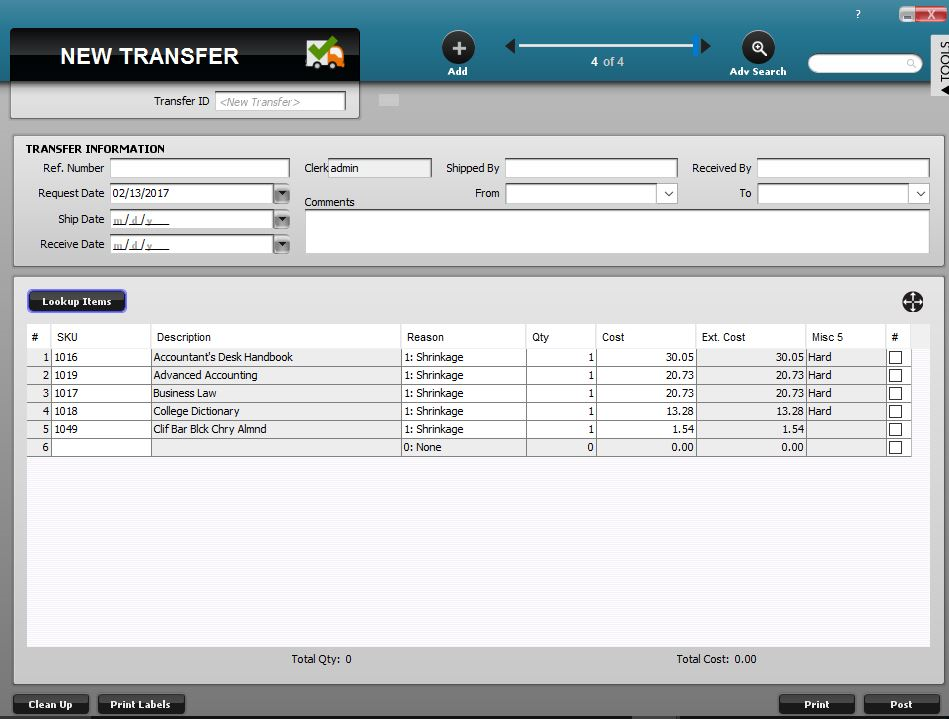
Transfer with items loaded onto it.
- To switch any positive quantities to negative, use the Ctrl + N quick key combination (this will also switch any negative quantities on the transfer to positive).
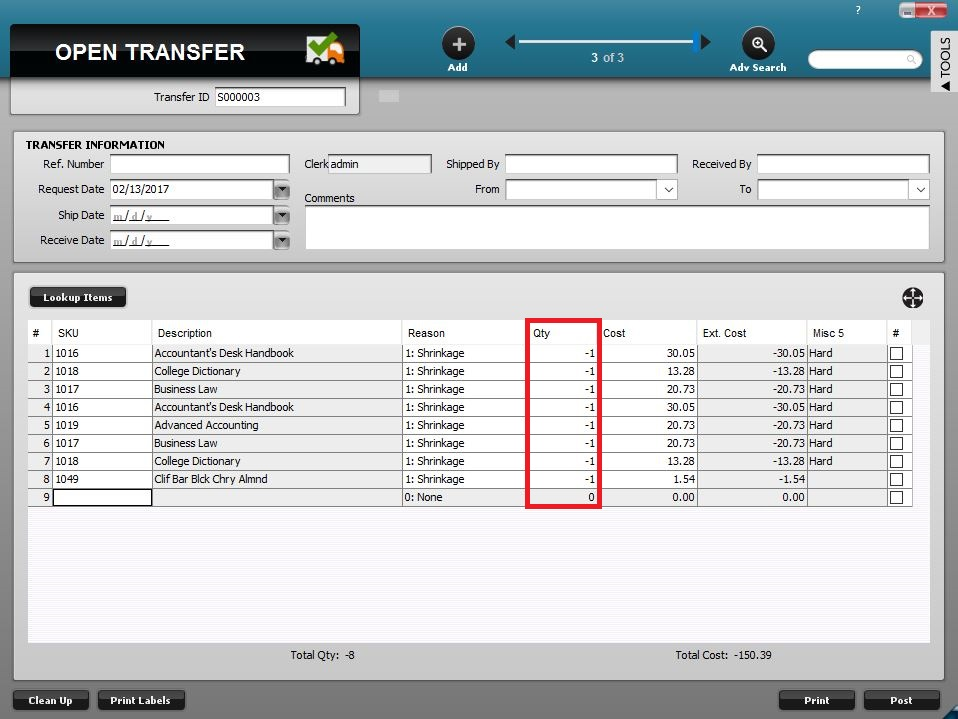
Use Ctrl + N to reverse all quantities on a transfer.
- The same quick key (Ctrl + N) can also be used to reverse quantities back to a positive number or to turn all negative numbers into a positive.
- Similarly, the Ctrl + Shift + N key combination can be used to set all quantities on a transfer (positive or negative) to negative at once.
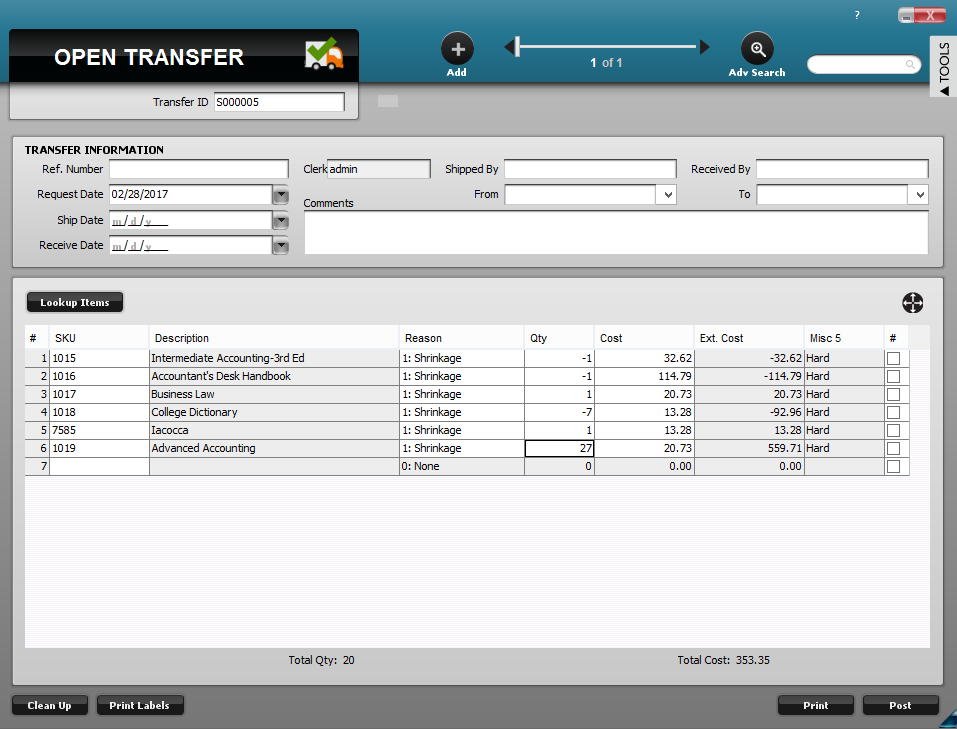
Transfer with positive and negative quantities.
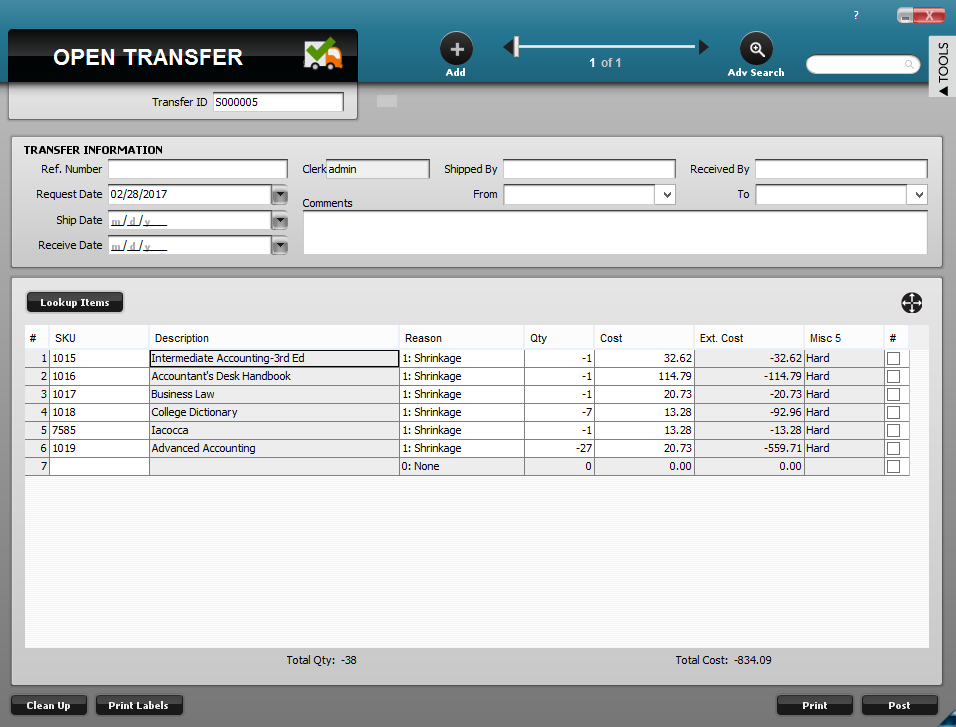
Use Ctrl + Shift + N to set all quantities to negative at once.